

Over the summer the client worked on things that rarely make an announcement but are felt every day: screen scale, windows that stay where you put them, and the response to a click. Here is everything that changed, with dates.
150percent Windows scale
96slots in the second bag half
200metres of loot name range
Screen and scale
- System scale. With Windows set to 125 or 150 percent the client no longer renders a smaller picture and stretches it afterwards. The image became sharper and windows stopped switching to compact mode by mistake (24 July).
- Resolutions. Interface scaling was improved for 720p and 1080p, and preliminary work was done for 4K and 8K (22 July).
- Resizing the game window with the mouse is smooth now: the picture does not go black or jump, and the click area no longer shifts (19 August).
Windows stay where you put them
- Nothing drifts. The minimap, target health bars, the cast bar, skill panels and the rating no longer move after a resolution change and do not crawl off the edge in windowed mode (24 July, 6 August).
- The chat does not fall apart at an increased interface scale: the message feed, channel buttons and the input line hold together (29 July).
- Bag and pouch. In split view the bag shows every slot, and the second half holds 96 instead of 64. The pouch window lines up with the top edge of the bag and opens downwards (11 August).
- Item frames for time limited items match the slot exactly at any scale: in the inventory, the bank, on panels and in shops (20 August).
Response and controls
- NPC dialogue opens right away after running and jumping: the click used to queue behind movement commands, now the wait is no longer than a single step and the click is not lost (26 August).
- The rubber step is gone. The character is no longer thrown back during normal running or after a series of jumps (26 August).
- Falling can be steered: the movement keys set the direction the character flies (13 August).
- Auto attack after skills is on by default, the panel button turns it off and no longer affects macros and chains (29 July).
- Gathering is not interrupted and works reliably when used often (9 August).
- Boxes from the right slot. Identical items in different slots are now consumed from the slot you actually clicked (26 August).
Time, quests and small things
- Your own time in game. The event schedule is recalculated for your computer clock, the header shows your time zone and server time stays next to it in a small line. Your local time is shown under the ping and frame counters in your own format (29 July, 26 August).
- Quest timers. The small active quest window shows the remaining time under the name of the NPC you have to reach (29 July).
- Mail. When sending you can pick the amount of items with Alt held down (26 August).
- Loot names. Their display range is adjustable from 20 to 200 metres (1 September).
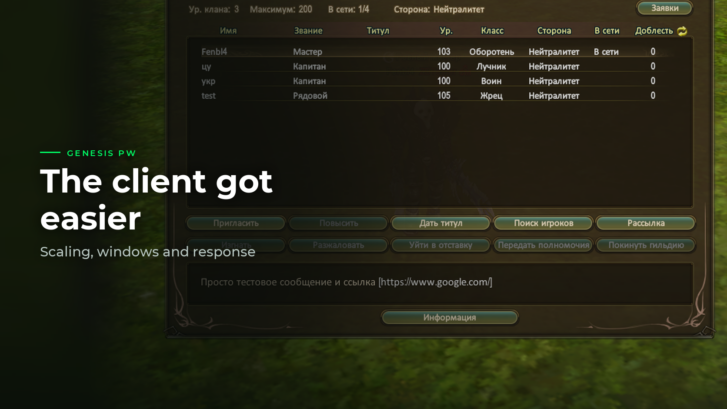
- Guild description. Spaces work and links became clickable (1 September).
- After events. The picture no longer hangs when leaving the Aurora Arena and the Dynasty Battle, which was especially noticeable on ordinary hard drives (13 August).
If an interface window ended up in the wrong place after an update, tell support: such cases are fixed one by one.
The dates in brackets are the updates the change shipped in. These news posts come out later than the changes themselves: there was simply no time to write them.